Walk around. Capture your room.
Use your device’s camera and LiDAR to capture walls, doors, windows and objects. Move slowly, with good lighting and clear views of the surfaces.
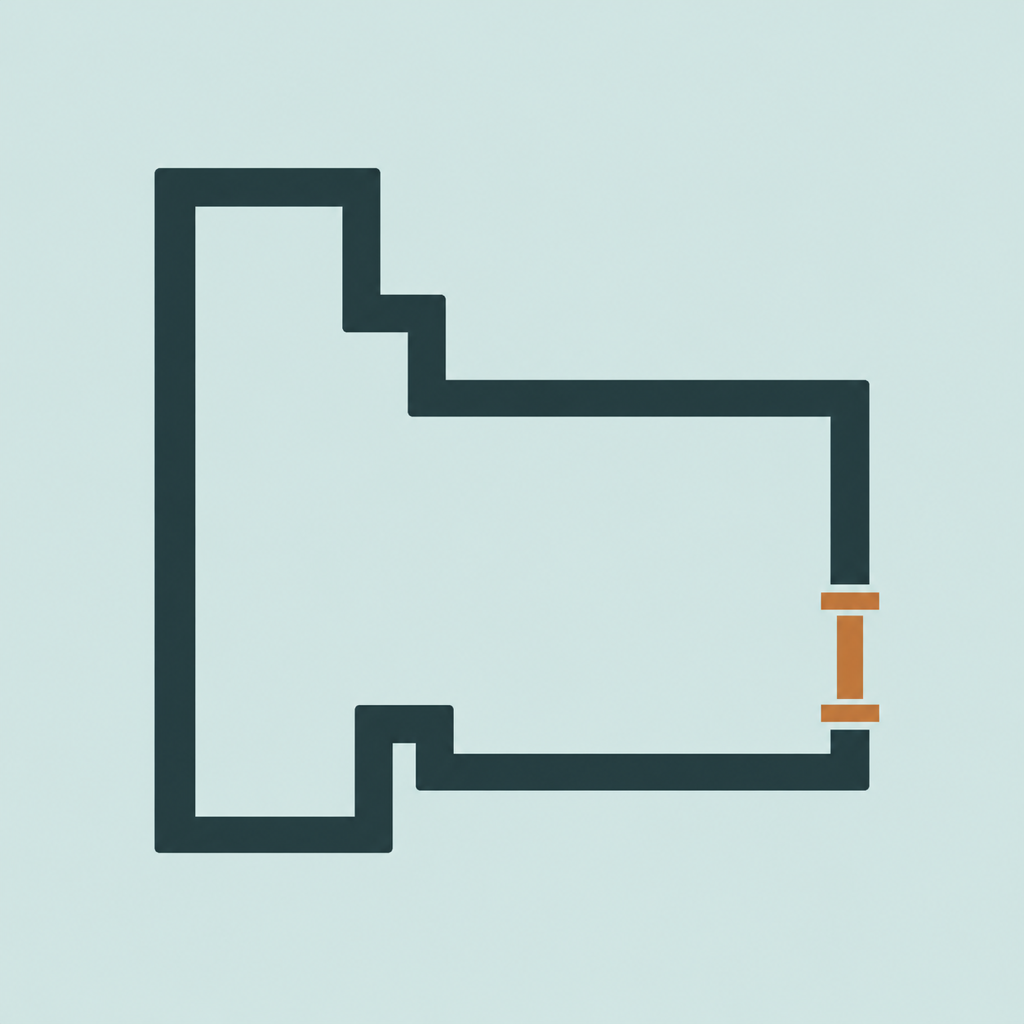 Centimeters
I tried several apps to get some measurements of my kitchen and they were all terrible so I made my own.
In less than a minute you can scan your room and get measurements. No ads, no tracking, everything on your device and it just works.
Room scanning requires an iPhone or iPad with LiDAR and iOS/iPadOS 17 or later.
From a space to a plan
Whether you’re rearranging a living room or planning a kitchen, start with the space you already have.
Use your device’s camera and LiDAR to capture walls, doors, windows and objects. Move slowly, with good lighting and clear views of the surfaces.
Switch between a measured 2D plan and an interactive 3D model. Select a wall to see its elevation, or add your own measurements.
Place furniture with your own dimensions, compare layouts and export a room plan as PDF or PNG, or a 3D room as USDZ.
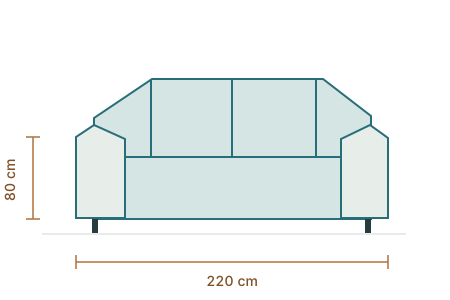
Before you move the sofa
Add furniture to a layout, or build your own object catalogue with dimensions, a traced outline and optional photos. Try a position before doing the heavy lifting.
Room scans are processed on your device. With iCloud Drive available, your library syncs automatically between your devices. No tracking, advertising or in-app analytics, and no separate Centimeters account.